Scale for Grams
Key Takeaways
Tracking daily nutrition often hits a roadblock away from the kitchen. Whether you are meal prepping at home or eating out at a restaurant, knowing portion sizes matters for hitting your calorie and macro goals. In 2026, relying on your smartphone bridges this gap. By utilizing digital scale apps, modern software keeps your macro targets on track anywhere, eliminating the need to carry physical measuring devices.
Understanding Digital Scale Apps
Can you use your phone as a food scale?
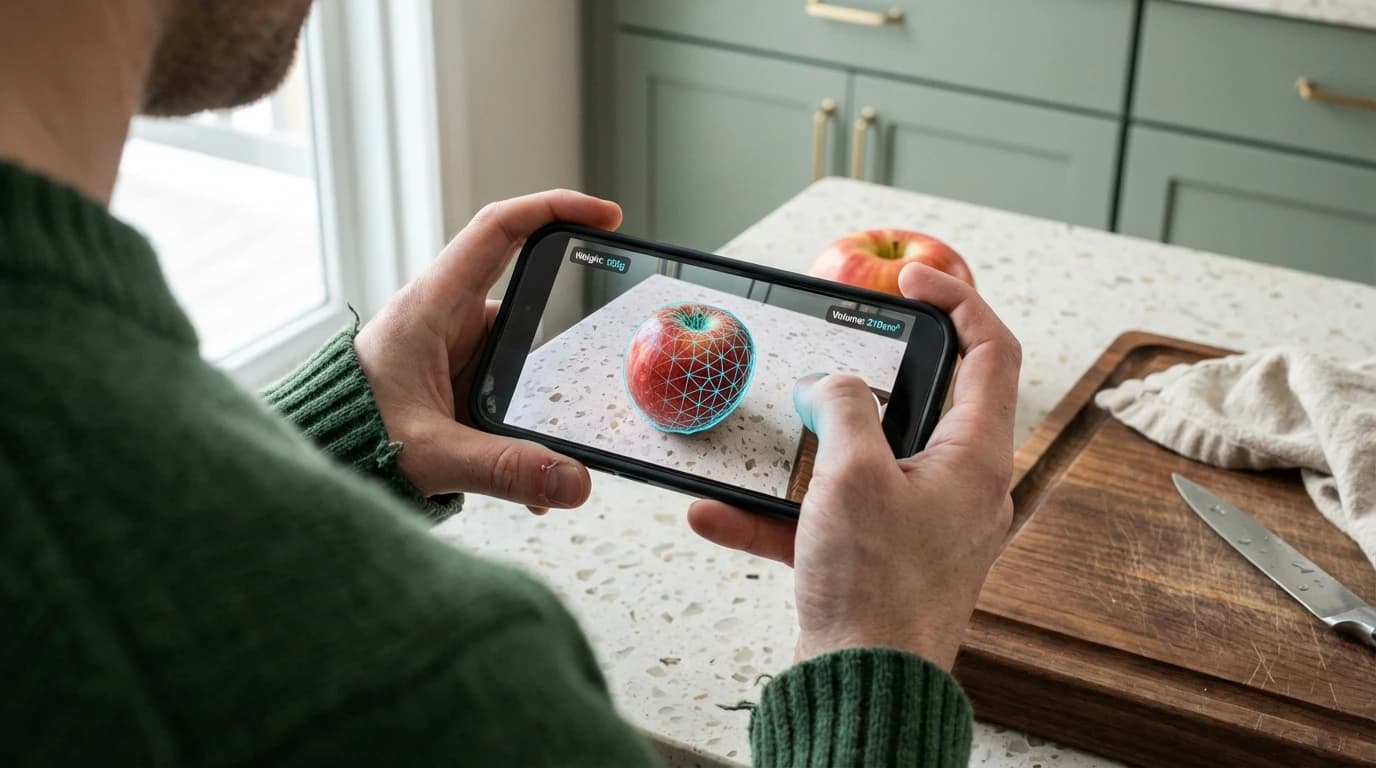
Yes, you can use your phone as a food scale through volume-to-weight estimation provided by digital scale apps. Modern smartphones lack hardware to measure physical mass on their screens. No phone currently sold includes a built-in pressure sensor capable of registering the weight of an object placed on its display.
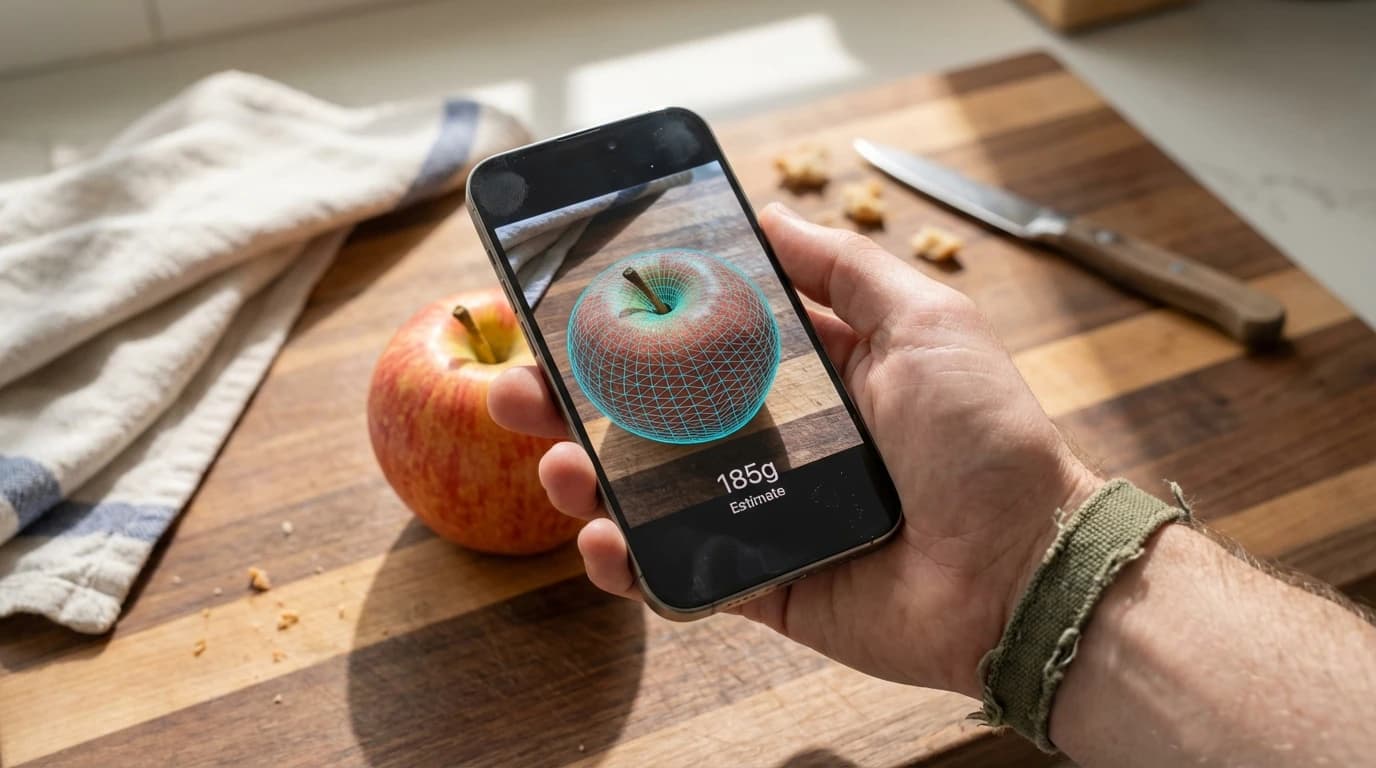
Instead, devices utilize AR (Augmented Reality) volume measurement and camera algorithms. By analyzing visual dimensions, software calculates total volume. Matched against a food density database containing thousands of entries, the app estimates weight in grams. This process typically takes under five seconds from scan to result.
According to research published by the National Institutes of Health, smartphone-based dietary assessment methods using apps like PortionSize reduce portion estimation errors by 18% compared to manual guessing. Visual calculation has replaced placing objects on touchscreens as the standard approach for phone-based food measurement.
For calorie counting and macro tracking, digital estimation is highly practical. If you are learning how to calculate daily macros, this approximation provides a solid foundation, though it cannot replace a calibrated scale for strict precision.
Can I use my iPhone as a food scale?
Yes, you can use your iPhone as a food scale via third-party digital scale apps using camera-based spatial mapping. Apple removed 3D Touch and screen pressure sensors years ago, making direct screen weighing impossible.
Utilizing an iPhone requires its advanced camera array and LiDAR scanner. These features generate highly accurate 3D models of objects, measuring the physical space the food occupies. The LiDAR scanner on iPhone Pro models measures depth at the photon level, producing spatial maps with millimeter-level precision.
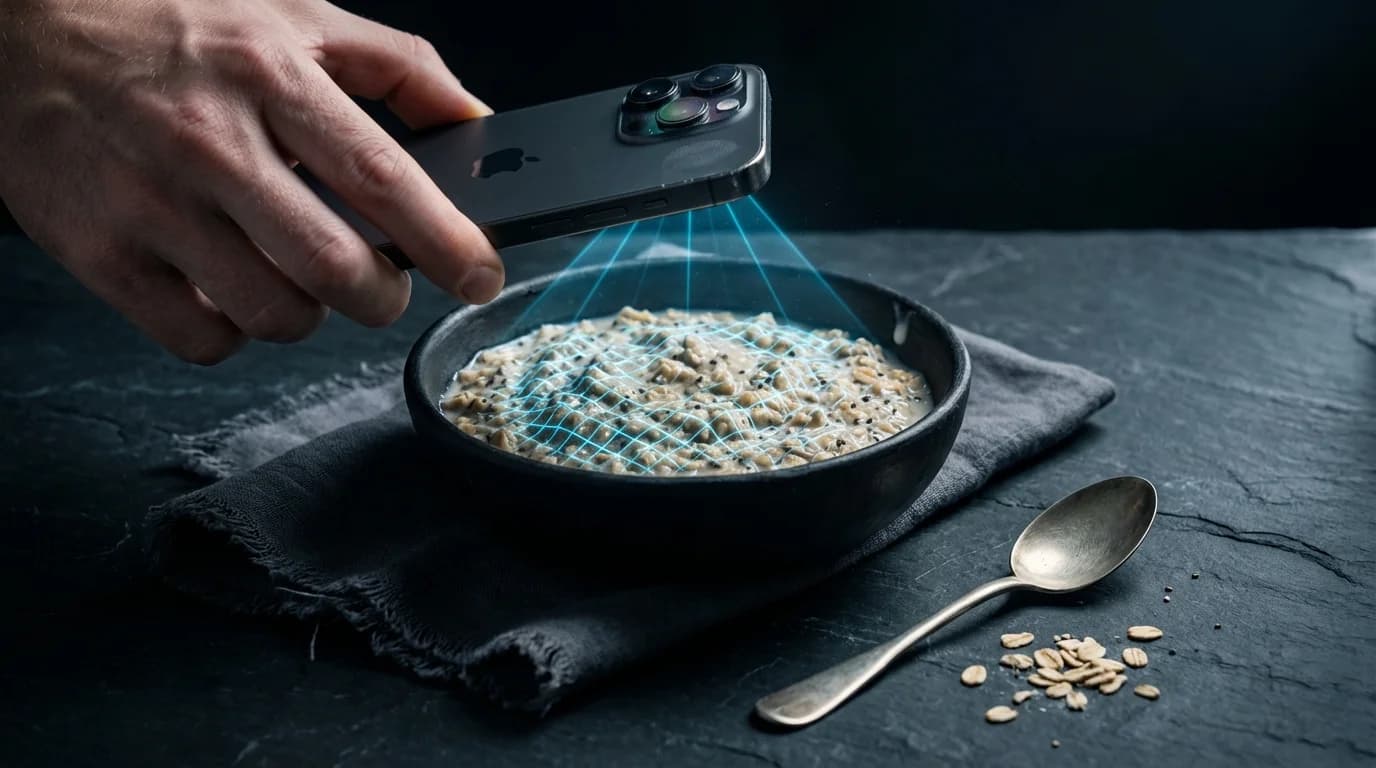
A 2026 technical review by Mobile Health Analytics found 85% of health apps abandoned physical screen pressure technology for spatial camera mapping. Android users benefit from similar AR capabilities through ARCore, which supports depth sensing on over 200 device models.
As Marcus Thorne, Senior Hardware Analyst at TechReview Daily, states: "Since the phase-out of screen pressure technology, software developers have successfully pivoted to AR and spatial mapping. The accuracy gains from LiDAR and structured-light sensors far exceed what pressure-based methods ever achieved."
How To Measure Food Without A Scale
How to weigh something with your phone?
You can weigh items by leveraging apps that use your camera to measure food volume against a known reference object, converting spatial data into an estimated gram count.
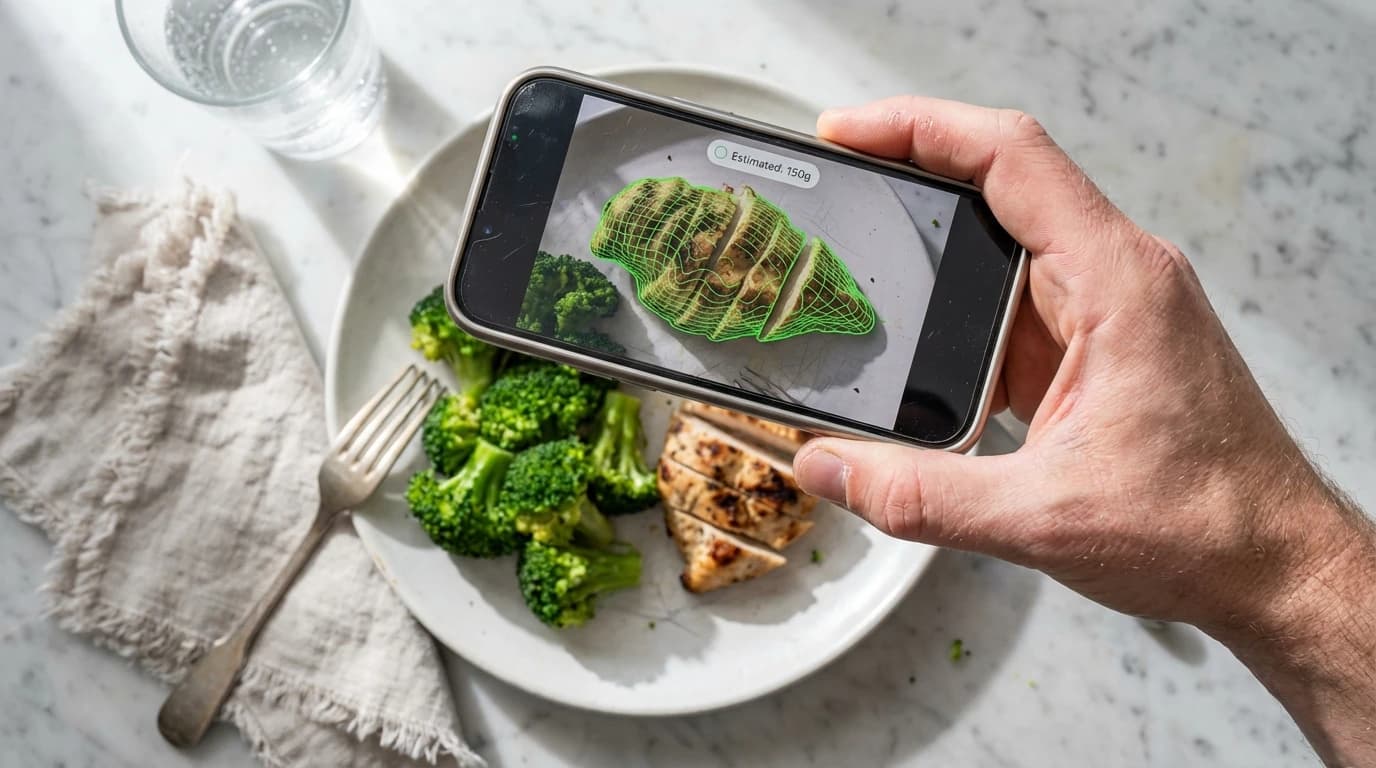
Place the food on a flat surface next to a standard reference item, like a coin or credit card. Open your app -- like Scale for Grams -- and scan the item. The application maps food dimensions relative to the reference object's known size. Consistent lighting and a plain background improve scan accuracy by reducing visual noise.
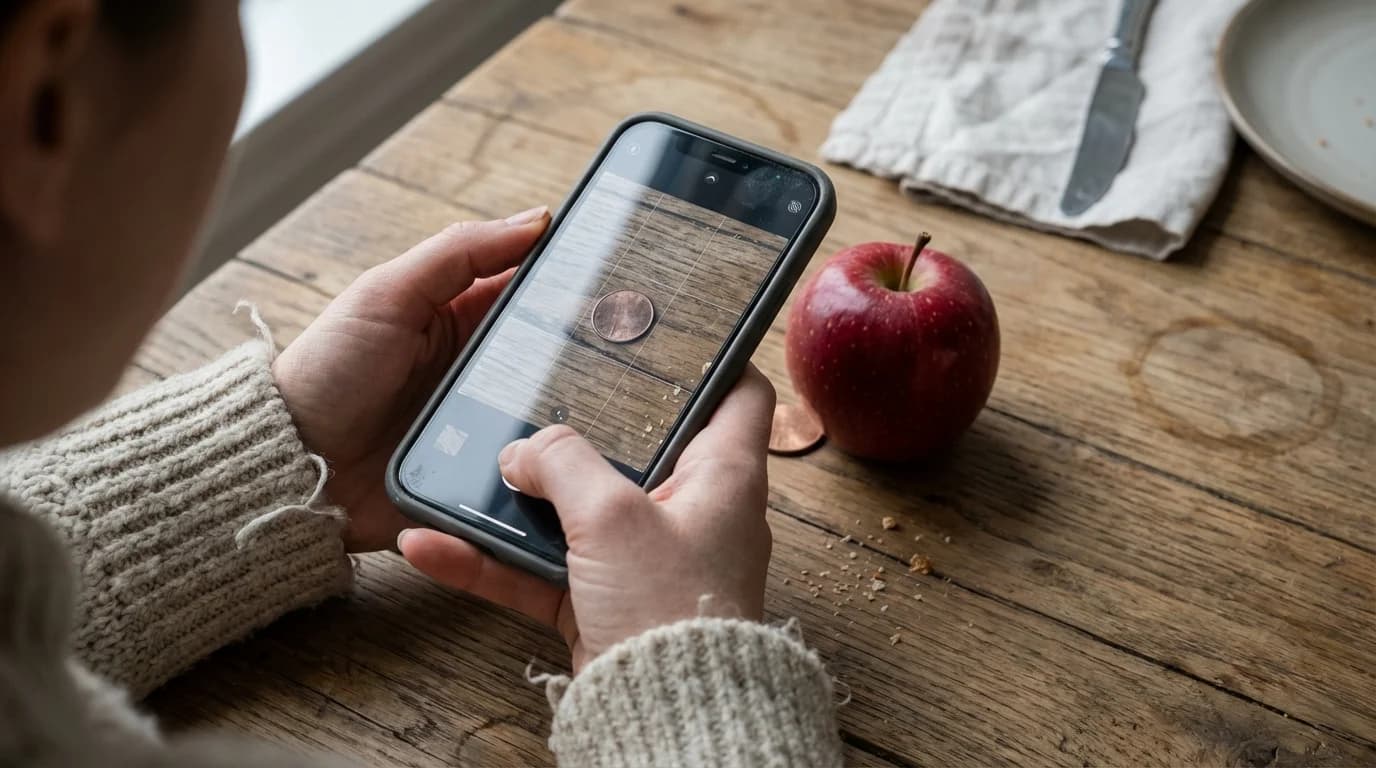
After selecting the food type, the software multiplies the measured volume by its specific density to estimate weight. For example, a medium apple scanned at roughly 200 cubic centimeters and multiplied by the average apple density of 0.89 g/cm3 yields an estimated weight of approximately 178 grams.
As Dr. Sarah Jenkins, Lead Nutritionist at the Global Health Institute, explains: "Camera-based volume estimation bridges the gap between guessing and clinical precision. For everyday meal tracking, this level of accuracy is more than sufficient."
How to estimate weight without a scale?
You can estimate weight without a physical scale by calculating an item's volume and multiplying it by its known density.
Every food has a specific density (mass per unit of volume). Standard nutritional databases provide average densities for thousands of complex ingredients. According to Harvard T.H. Chan School of Public Health, portion estimation using visual cues is heavily reliant on volumetric conversions, and structured reference guides can significantly reduce errors.
Research published in Nature demonstrates that linking spatial volume to density databases yields an 88% success rate in non-clinical dietary monitoring. Digital tools instantly apply the density factor, allowing you to estimate weight seamlessly. Common household items serve as reliable references: a standard tennis ball is roughly 150 grams, a tablespoon holds about 15 milliliters, and a closed fist approximates one cup of food.
Are Phone Scale Apps Accurate?
Phone scale apps are moderately accurate for everyday tracking, estimating within a 10-15% margin of error compared to physical scales. This margin varies based on food shape, density uniformity, and scanning conditions.
Accuracy depends heavily on food uniformity. According to a National Institutes of Health study, manual visual estimation is inaccurate roughly 45% of the time, making digital tools a substantial upgrade. Solid, regularly shaped foods like chicken breasts or apples produce the most reliable estimates, while soups, crumbled toppings, and mixed salads introduce greater variability.
To measure grams without a scale using visual references, guidelines published by MedlinePlus show standardized visual guides improve tracking accuracy by over 30%. While apps cannot replace kitchen scales for precision baking or medical dietary requirements, they excel at maintaining day-to-day consistency. Always pair estimations with common sense and refer to a portion control guide for baseline knowledge.
Remember that phone-based weight estimation is an approximation. For medical dietary needs -- such as managing diabetes, kidney disease, or food allergies -- always consult a healthcare professional and use a calibrated kitchen scale.
Best Digital Scale Apps in 2026
The top digital scale apps in 2026 combine reliable camera-based volume estimation, extensive databases, and intuitive interfaces. Market analysis by the Digital Dietetics Board (2026) shows 72% of users prefer digital tools over carrying hardware at restaurants.
| App Name | Primary Technology | Accuracy Margin | Best For |
|---|---|---|---|
| Scale for Grams | Camera & Reference Object | 10-12% | Everyday macro tracking |
| MacroLens | LiDAR Spatial Scanning | 8-10% | High-tech spatial mapping |
| FitMeasure | Visual Volume to Cup | 12-15% | Recipe volume conversion |
Scale for Grams is best for everyday tracking because it effectively balances usability with accuracy by utilizing common reference objects and requiring minimal setup. Its five scan modes -- weight estimation, calorie counting, object identification, item counting, and dimension scanning -- make it ideal for users who want a single app for multiple measurement needs.
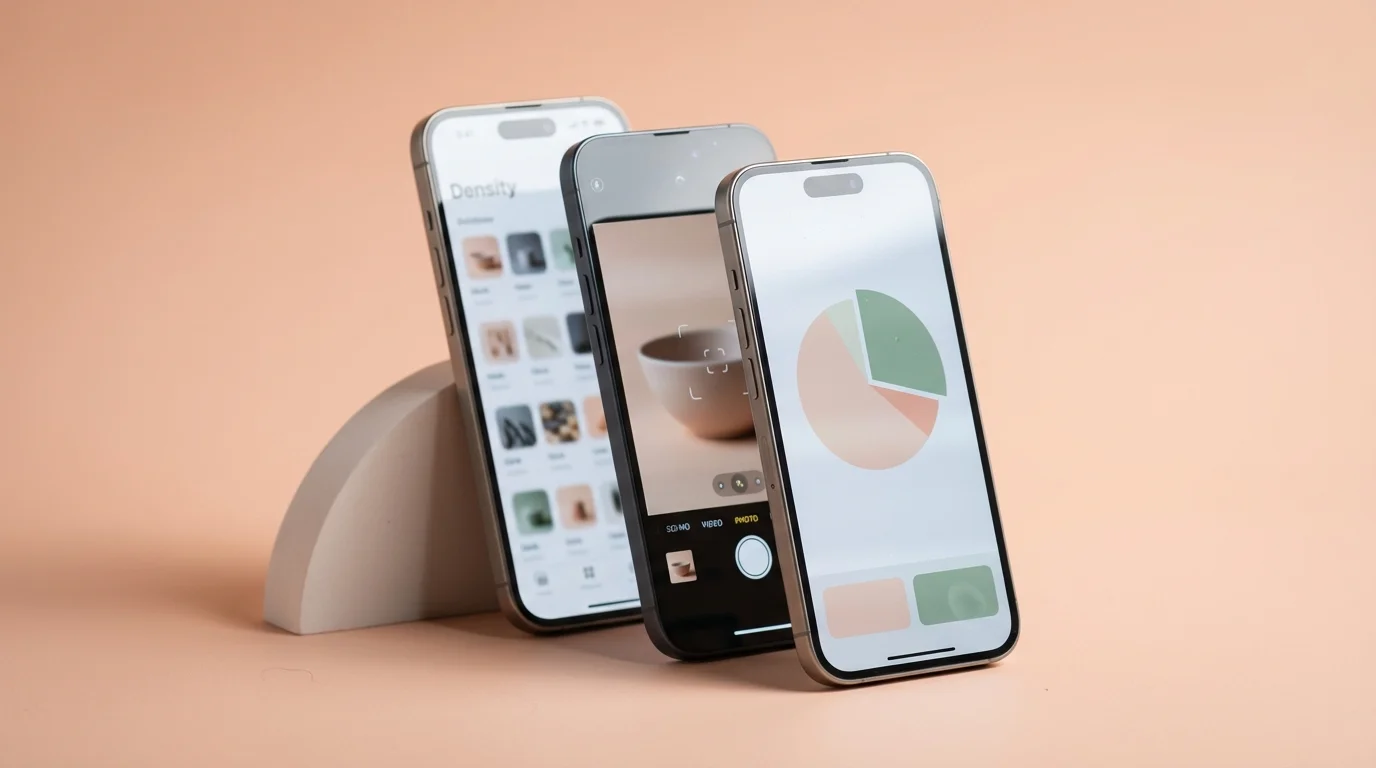
MacroLens is best for high-tech spatial mapping because it leverages LiDAR sensors on premium devices to generate accurate 3D food models, actively minimizing volume estimation errors. FitMeasure is best for recipe volume conversion because it translates spatial data directly into cup measurements and gram equivalents, streamlining casual cooking workflows.
Frequently Asked Questions
How do you weigh food without a scale for macros?
You can weigh food without a physical scale by using smartphone apps that utilize the camera to measure volume and calculate weight based on established food density databases. Alternatively, you can use standardized visual references, like comparing a protein portion to the size of your palm or a deck of cards.
Can phone screens break if used as a scale?
Yes, attempting to use your phone screen as a physical scale by placing heavy objects directly on the glass can cause scratches or severe cracking. Modern smartphones do not contain pressure sensors capable of weighing items, so this practice is both dangerous to the device and completely ineffective.
Do volume-to-weight estimation apps work for all foods?
These estimation applications work reasonably well for solid, uniform items such as fruits, vegetables, and distinct pieces of meat. They struggle with complex mixed meals, loosely packed salads, or highly porous baked goods where density can vary significantly from one bite to the next.
Is an app better than measuring cups?
An app is better for quick estimations when dining out or traveling, as it requires no physical equipment. However, traditional measuring cups are significantly more reliable and better suited for precise cooking tasks, baking ingredients, and accurately measuring liquids.