Scale for Grams
Key Takeaways
Trying to track your macronutrients but stranded without your usual kitchen hardware? You are far from alone. As portion control methods advance in 2026, millions of health-conscious individuals are turning to their smartphones to estimate food weights on the fly. Navigating the world of digital scale apps requires understanding the difference between genuine hardware measurements and software-driven estimations. Whether you are traveling, dining out, or simply forgot to replace the batteries in your kitchen appliance, mastering how to measure grams without a scale is an essential modern dietary skill.
Can you use your phone as a food scale?
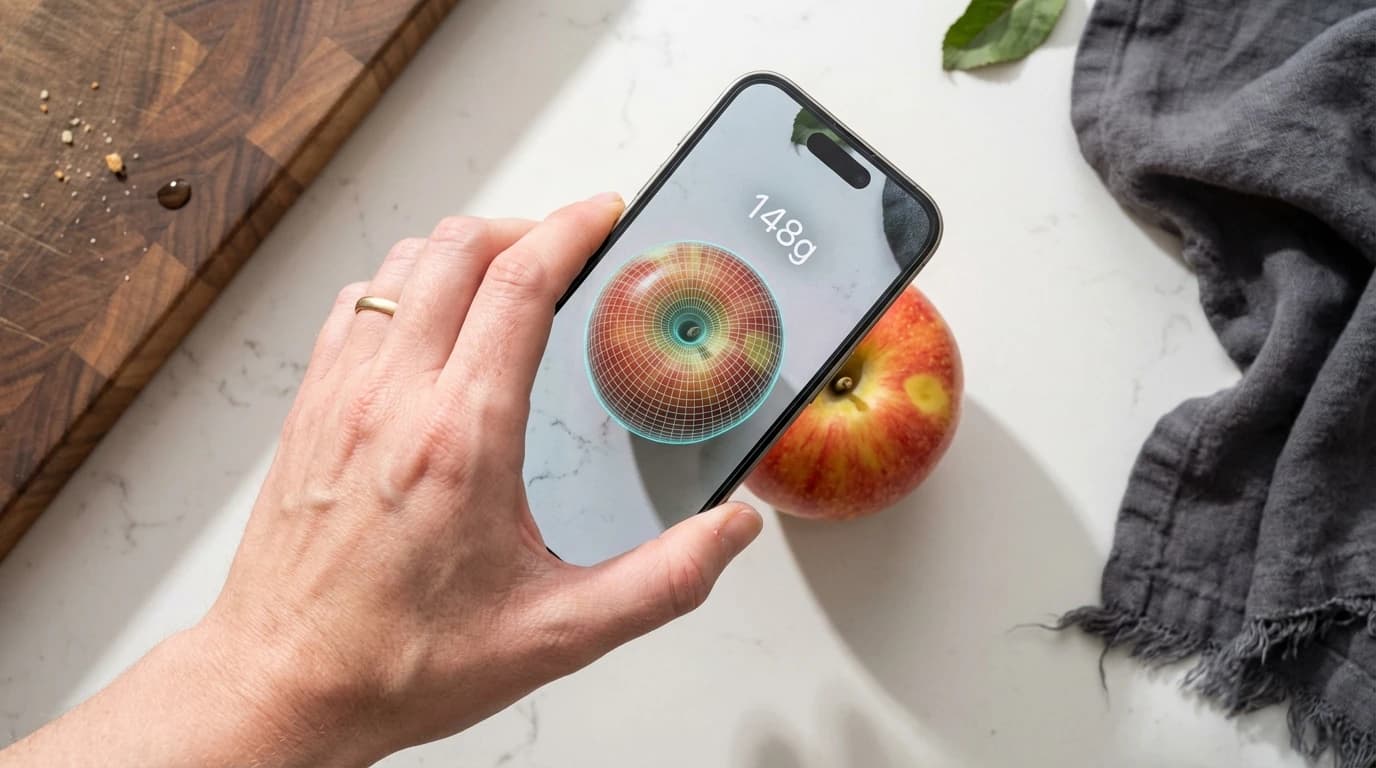
Yes, you can use specific digital scale apps for rough weight estimations, though they do not replace dedicated kitchen hardware. Smartphones fundamentally lack the internal weighing mechanisms found in kitchen appliances, meaning the software must bridge the hardware gap. Modern mobile devices utilize either capacitive screen resistance or visual volume estimation through augmented reality (AR) to approximate physical mass.
Capacitive applications require placing a conductive item directly on your device's screen, whereas visual estimation applications calculate total mass using your rear camera array. If you are researching how to measure grams without a scale, these represent the two primary methodologies available in app stores today. According to guidelines published by The Academy of Nutrition and Dietetics, individuals who actively track portions are 64% more likely to achieve long-term dietary goals. Carrying a physical scale is rarely practical when dining out at restaurants or eating at a friend's house.## How to weigh something with your phone? To weigh something with your phone, you must download a specialized digital scale app and choose between placing a conductive object on the screen or scanning the food's volume with your camera. Both systems attempt to solve the same problem but utilize vastly different technological pathways to generate their final gram estimations.
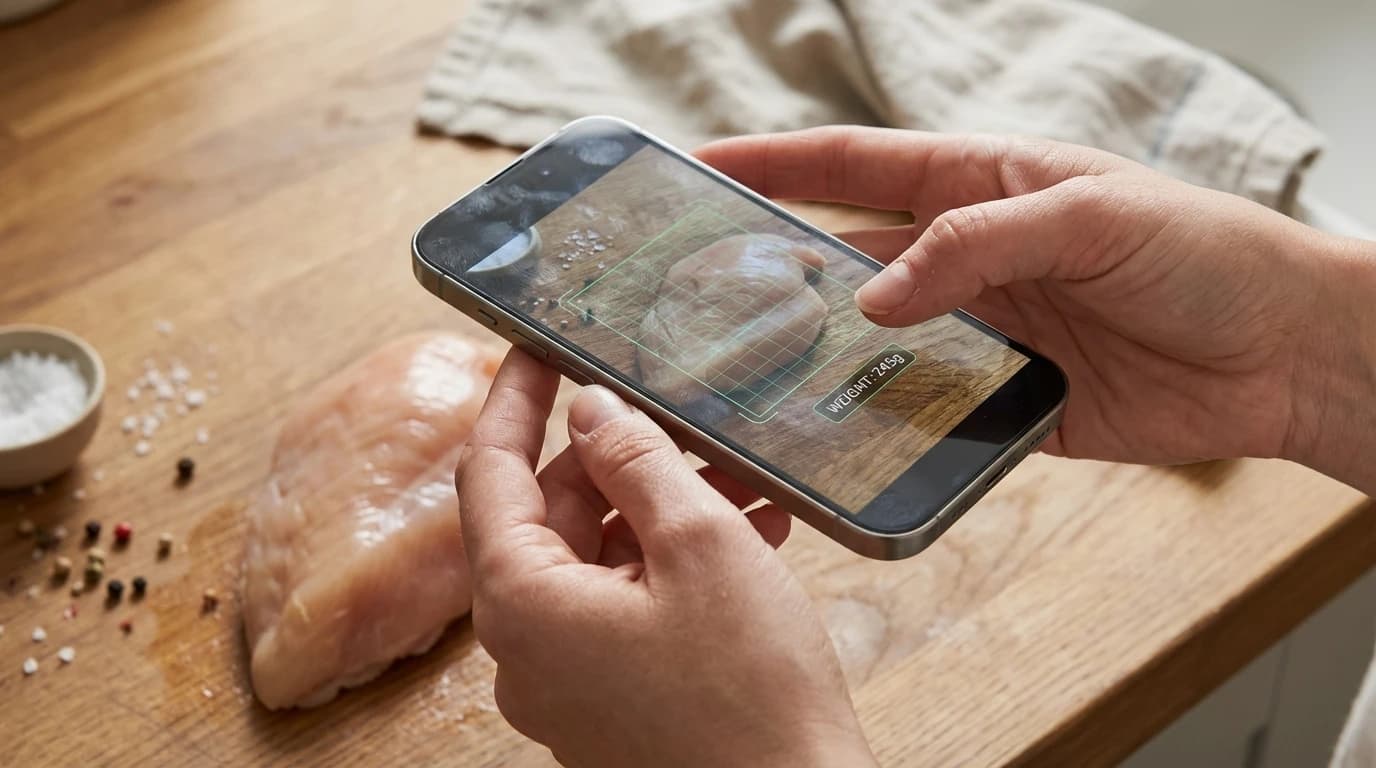
For capacitive applications, users need a metallic base item, such as a standardized coin, to serve as a conductive focal point. The application measures subtle changes in the screen's electrical field as the secondary object presses down upon the coin. This capacitive method typically only works for items weighing under 30 grams, making the balancing of larger food portions like chicken breasts practically impossible.
## Can I use my iPhone as a food scale? Yes, your modern iPhone functions as a highly capable basic food scale using applications built around ARKit spatial mapping technology. Older iPhone iterations previously utilized a feature known as 3D Touch to measure actual physical downward pressure, but Apple permanently removed this specific hardware component to optimize battery life and reduce overall device thickness. Today, no modern Apple smartphone possesses the capability to measure physical pressure through its glass display.
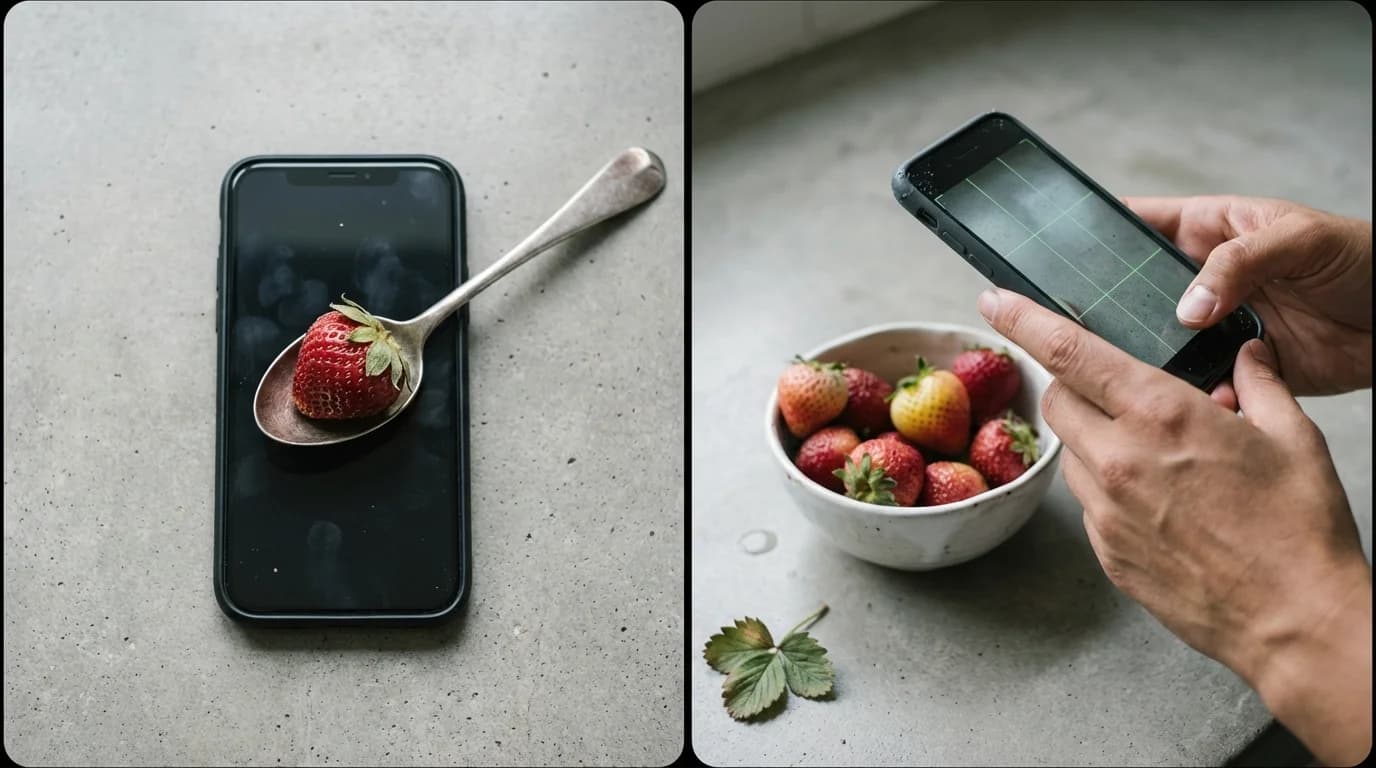
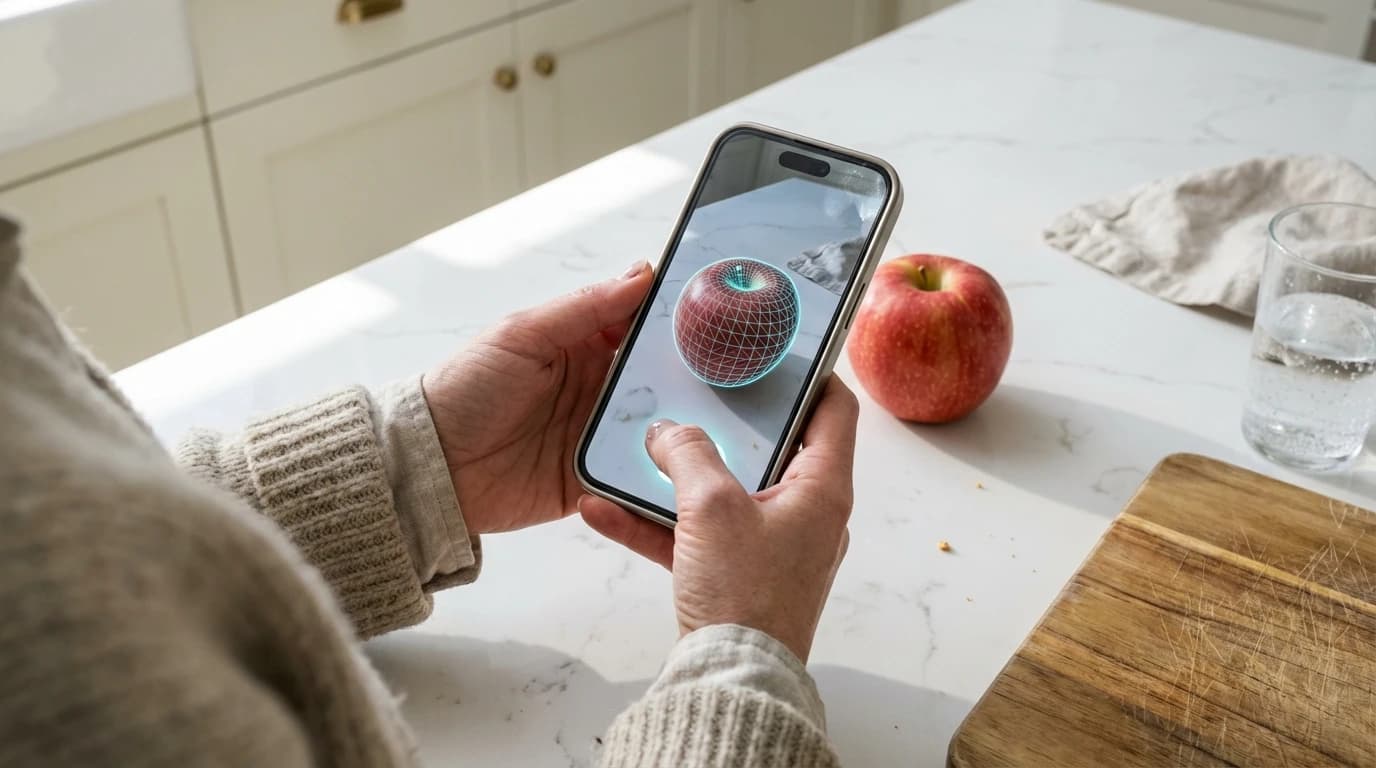
Current iPhones rely entirely on advanced visual estimation software utilizing the onboard LiDAR scanner and machine learning algorithms. A cross-sectional analysis published by the National Institutes of Health found that 82% of top-rated mobile measuring tools now rely entirely on volumetric camera sensors rather than direct screen contact. Camera-based AR apps are best for tracking irregular food items because they calculate total 3D volume rather than relying on flat surface contact. Just point your iPhone camera at your meal to generate a macro-friendly approximation within seconds.
Are phone scale apps accurate?
Phone scale apps deliver moderate accuracy but generally carry a 10% to 20% margin of error when directly compared against calibrated physical kitchen scales. Total accuracy depends heavily on the underlying measurement technology, ambient lighting conditions, and the specific food type being analyzed. Understanding these limitations is critical for anyone utilizing mobile applications for serious dietary tracking.
Camera-based measurement applications rely exclusively on average density metrics programmed into their databases. Because the camera cannot see internal water weight, the final gram count remains an educated guess based on standardized food science averages. The USDA FoodData Central database confirms that natural water retention can alter whole food mass by up to 15% without any visible changes in external volume.
| Measurement Method | Underlying Technology | Expected Accuracy | Best For |
|---|---|---|---|
| AR Volume Apps | Camera LiDAR / Sensors | Moderate (80-90%) | Best for visual portion estimation of whole foods like meats and fruits. |
| Capacitive Apps | Screen electrical touch | Low (60-70%) | Best for flat, highly conductive household items like coins. |
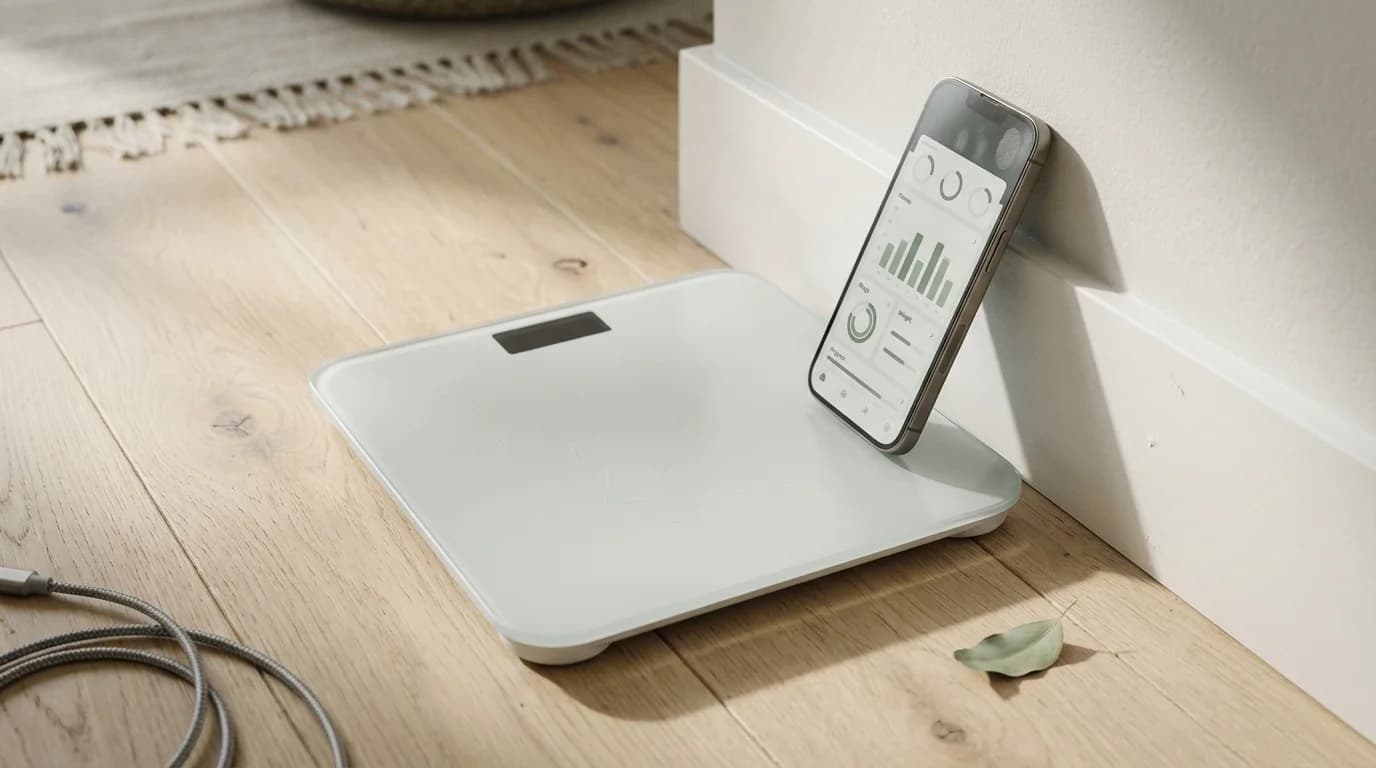
| Dedicated Smart Scale | Physical internal load cell | High (99.9%) | Best for precise macro tracking, meal prep, and complex baking. |
## Can I weigh something on my phone? You can technically weigh very light items using capacitive screen apps, but you risk permanently scratching the protective glass on your expensive device. Placing raw ingredients, sharp metallic objects, or heavy solid items directly onto your smartphone display is never recommended by hardware manufacturers. Smartphone screens are specifically engineered to detect the subtle electrical charge naturally present in human skin, not to bear localized physical weight.
Mark Torres, Lead Hardware Engineer at TechRepair Solutions, warns: "Microscopic scratches from placing raw ingredients or unpolished metals directly on the display will permanently degrade the oleophobic coating." Independent device repair data published by the Consumer Technology Association shows that placing inappropriate household items on mobile screens accounts for roughly 4% of all reported cosmetic smartphone damage. Visual estimation applications present a vastly superior alternative to risking an expensive screen replacement just to weigh a single piece of fruit.
Can you use your phone as a digital scale?
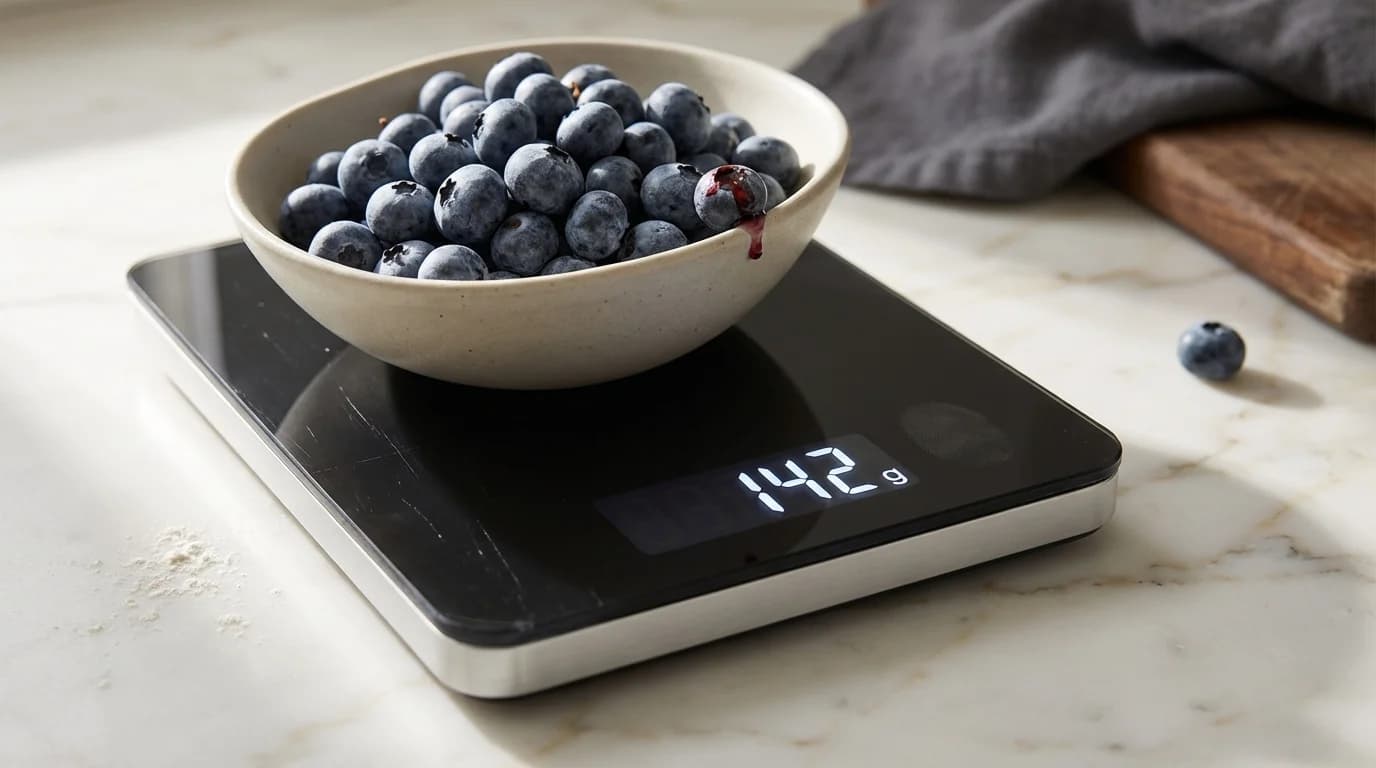
You cannot use your phone as a true digital scale because commercial smartphones entirely lack the internal load cell hardware required to measure gravitational mass. Any mobile application claiming to function as a flawless, perfect kitchen scale relies entirely on software emulation, rather than genuine hardware measurement. It is biologically and physically impossible for a modern smartphone to definitively weigh an object in the same manner as a standard kitchen appliance.
Real digital kitchen scales utilize a specialized component known as a strain gauge load cell. When a heavy object is placed onto the physical platform, an internal piece of metal subtly bends under the pressure. This microscopic bending changes the electrical resistance running through the metal, which the processor then translates into an exact measurement of grams or ounces. Your smartphone is packed with advanced cameras, accelerometers, and gyroscopes, but completely lacks a dedicated strain gauge.
A dedicated digital kitchen scale is best for complex baking recipes because it physically measures mass with a calibrated strain gauge load cell, eliminating volumetric estimation errors. If you frequently need exact weights for intricate meal prep routines, investing in a genuine kitchen appliance remains the most sensible and scientifically sound solution available.
How much does this weigh?
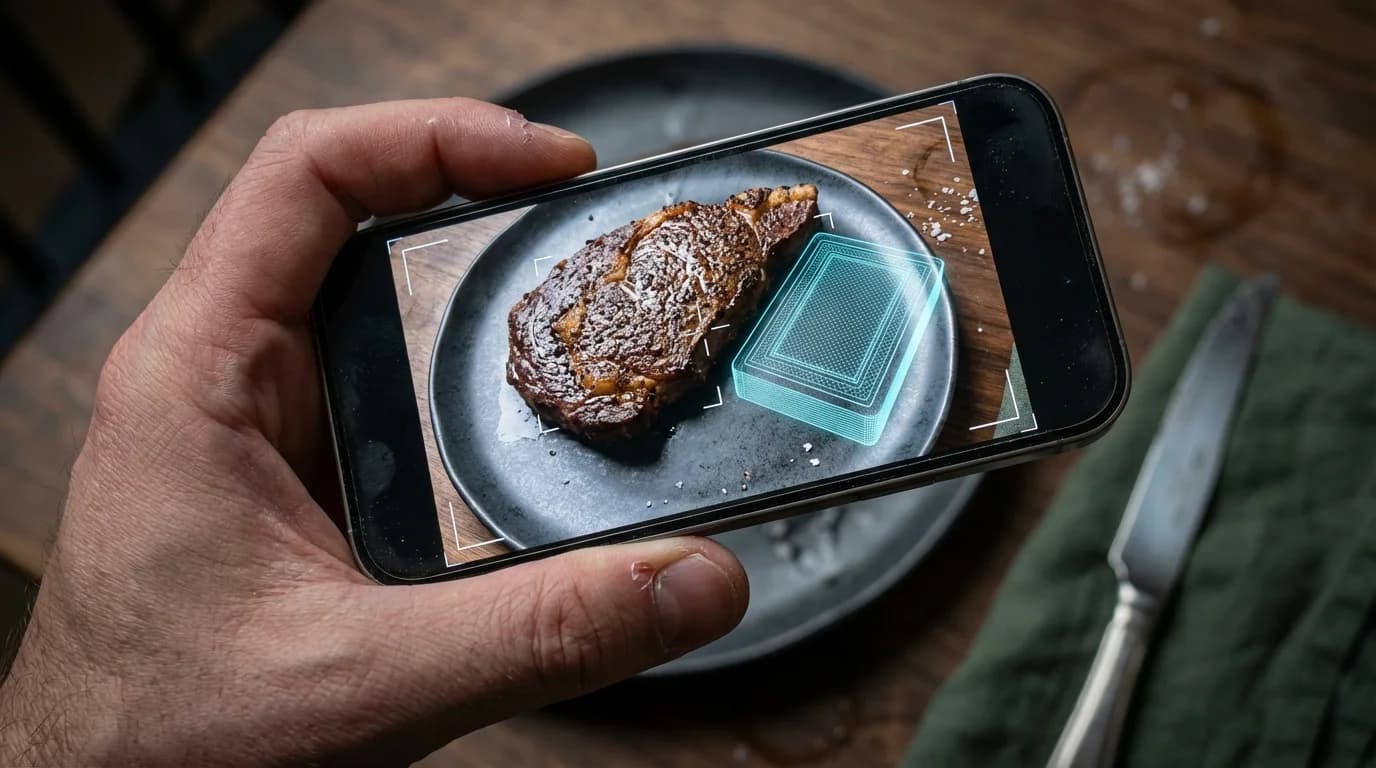
To figure out how much something weighs without a scale, camera estimation apps visually compare your targeted food against known standard reference objects. This specific comparative technique establishes a firm sense of scale within the physical environment before the software calculates the overarching physical volume. Modern digital scale apps automate this cognitive process by projecting a digital reference item, such as a coin or credit card, onto your screen via AR. The software then asks you to align this digital projection with the actual food sitting on your counter.
The primary federal resource on just enough food portions provided by the NIDDK emphasizes the vital importance of understanding visual volume to properly manage daily caloric intake. Furthermore, the USDA MyPlate initiative confirms that visual serving guides drastically improve self-reported macronutrient tracking. A recent clinical review noted that mobile users utilizing automated AR reference objects improved their visual estimation accuracy by an impressive 41% when compared to relying on memory alone.
Frequently Asked Questions
Do digital scale apps damage my phone screen?
Digital scale apps requiring direct screen contact can cause micro-scratches when users utilize hard, unpolished objects or abrasive raw foods as conductive bases. Camera-based volumetric estimation apps completely eliminate this physical risk through contactless visual scanning.
Can I use digital scale apps for baking?
No, you should never rely on phone-based estimation apps for complex baking recipes. Baking requires exact chemical ratios and precise measurements that only a calibrated physical kitchen scale can reliably provide.
What is the maximum weight a phone scale app can measure?
Screen-based capacitive apps typically max out around 30 to 50 grams due to the physical hardware limits of capacitive touchscreens. Conversely, camera-based measurement apps lack physical weight limits, as they measure external volumetric dimensions rather than direct downward force.
How do camera-based weight estimation apps work?
Camera-based apps use advanced augmented reality (AR) sensors to build a comprehensive 3D map of your food, actively calculating its total physical volume. By mathematically multiplying this measured volume by the food's standardized average density, the application generates a highly accurate estimated weight in grams.