Scale for Grams
Key Takeaways
You are tracking your nutrition carefully, but find yourself at a restaurant without a kitchen scale. Guessing portions manually often leads to consuming unintended calories, derailing your progress. In 2026, your smartphone camera offers a practical alternative for estimating meals on the go, utilizing advanced software to replace blind guessing with calculated volumetric measurement.
How Does An AI Food Scanner Estimate Weight?
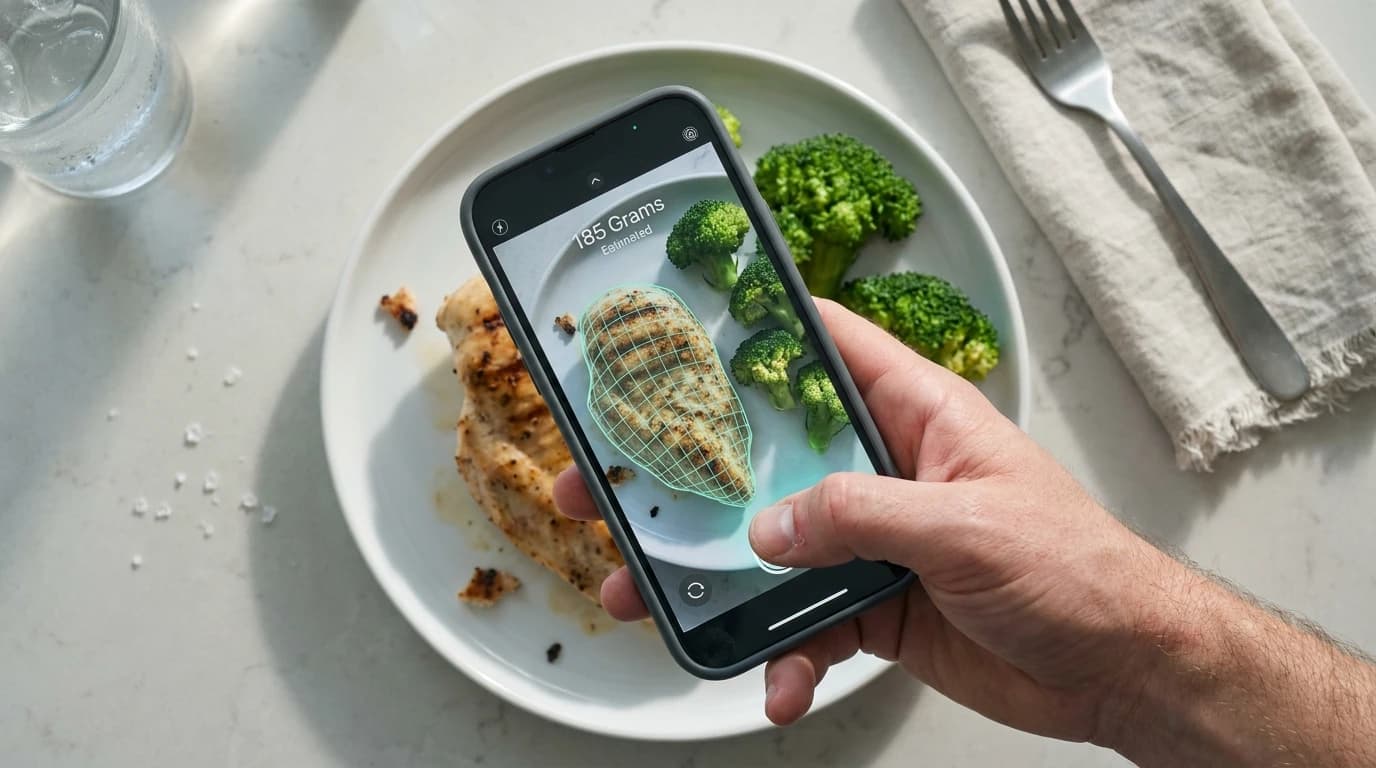
An AI food scanner estimates weight by calculating the physical volume of the food through your camera and multiplying it by its known density. The software does not physically feel the weight; it mathematically deduces it based on visual data.
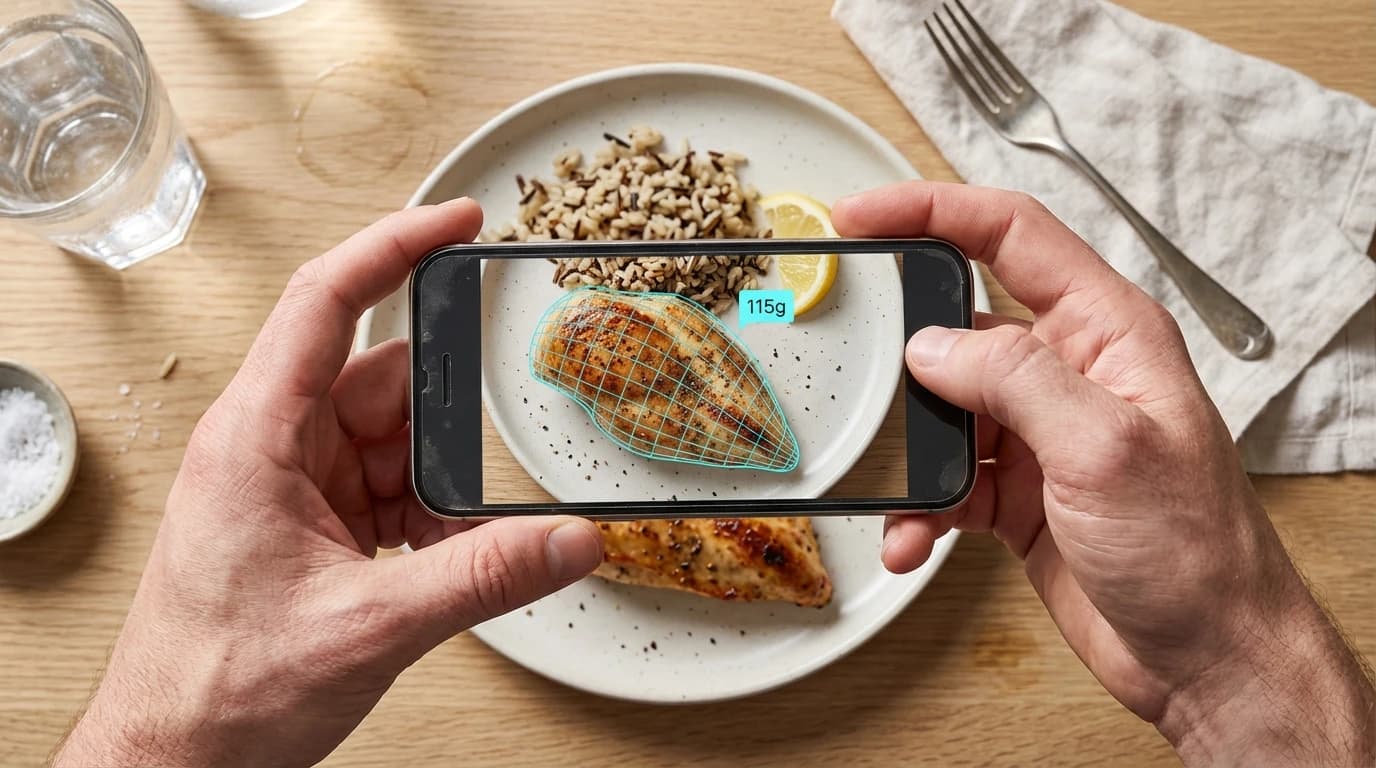
When you point your camera at a meal, the application generates a 3D mesh. By cross-referencing this digital map with standard caloric density calculations, the app translates visual size into estimated grams. According to research published by the National Institutes of Health, image-based dietary assessment tools can estimate portion sizes within a 15% to 20% margin of error compared to true weighed portions.
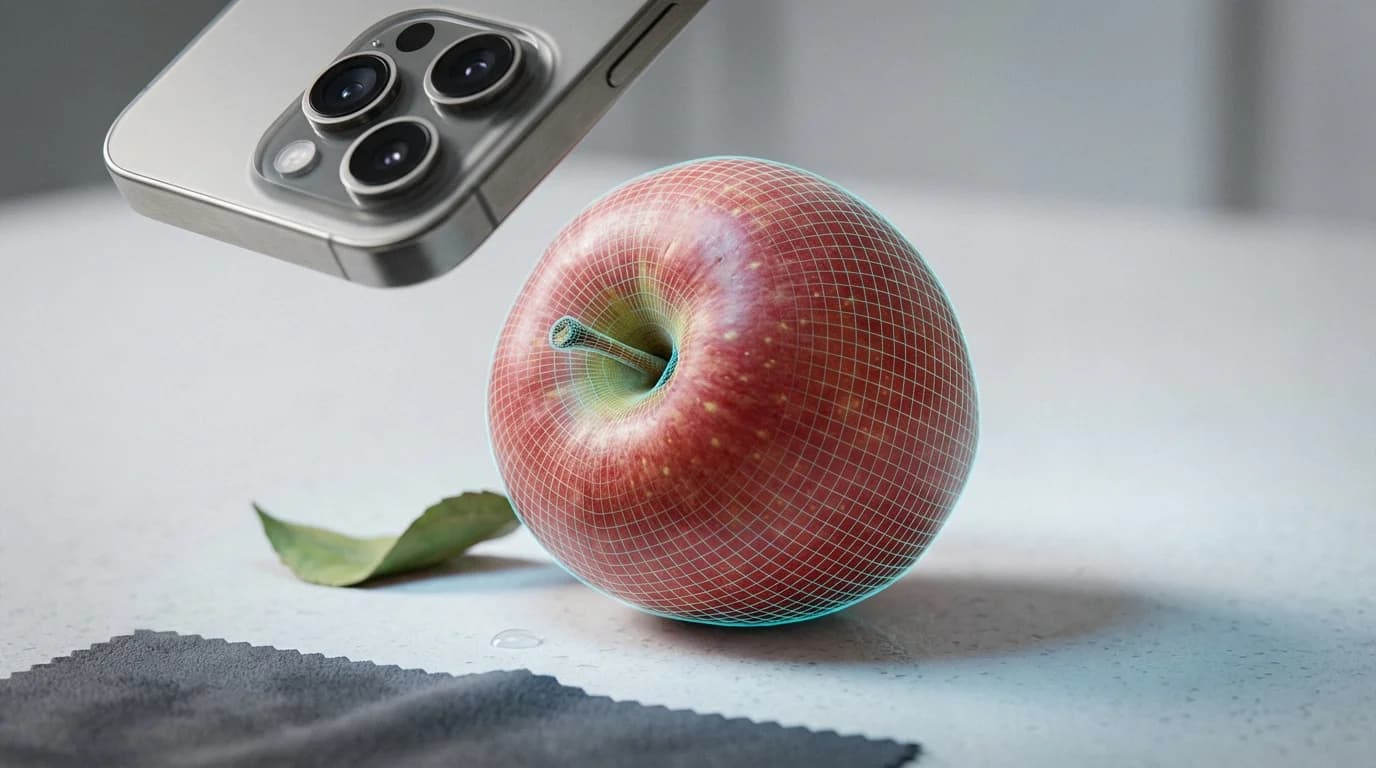
While useful for casual tracking, this technology relies entirely on correctly identifying the food visually. A visual scan cannot distinguish between a dense homemade brownie and a light sponge cake of exact dimensions. As Dr. Sarah Jenkins, Clinical Dietitian at the Global Nutrition Institute, explains: "If an application confuses a dense meat with a lighter plant-based alternative, the resulting weight and calorie output will be significantly skewed, potentially throwing off your daily macros."
Determining exact dimensions gives a food's volume in cubic centimeters. According to the USDA FoodData Central database, a standard block of cheddar cheese weighs approximately 1.05 grams per cubic centimeter. Multiplying your calculated volume by 1.05 provides a remarkably close weight estimation. Camera apps identify food, scan dimensions via LiDAR, and calculate density in milliseconds.
Can You Use Your Phone As A Digital Scale?
You cannot physically weigh items on your phone screen because modern smartphone displays lack the load cells necessary to measure downward physical force. Modern devices measure electrical capacitance, not gravitational mass.
As James Chen, Lead Hardware Engineer at MobileTech, states: "Smartphones do not contain load cells. Any application claiming to turn your screen into a precision weighing device is fundamentally misrepresenting the hardware." Placing heavy objects on your screen will not yield a gram weight and can permanently damage your display.
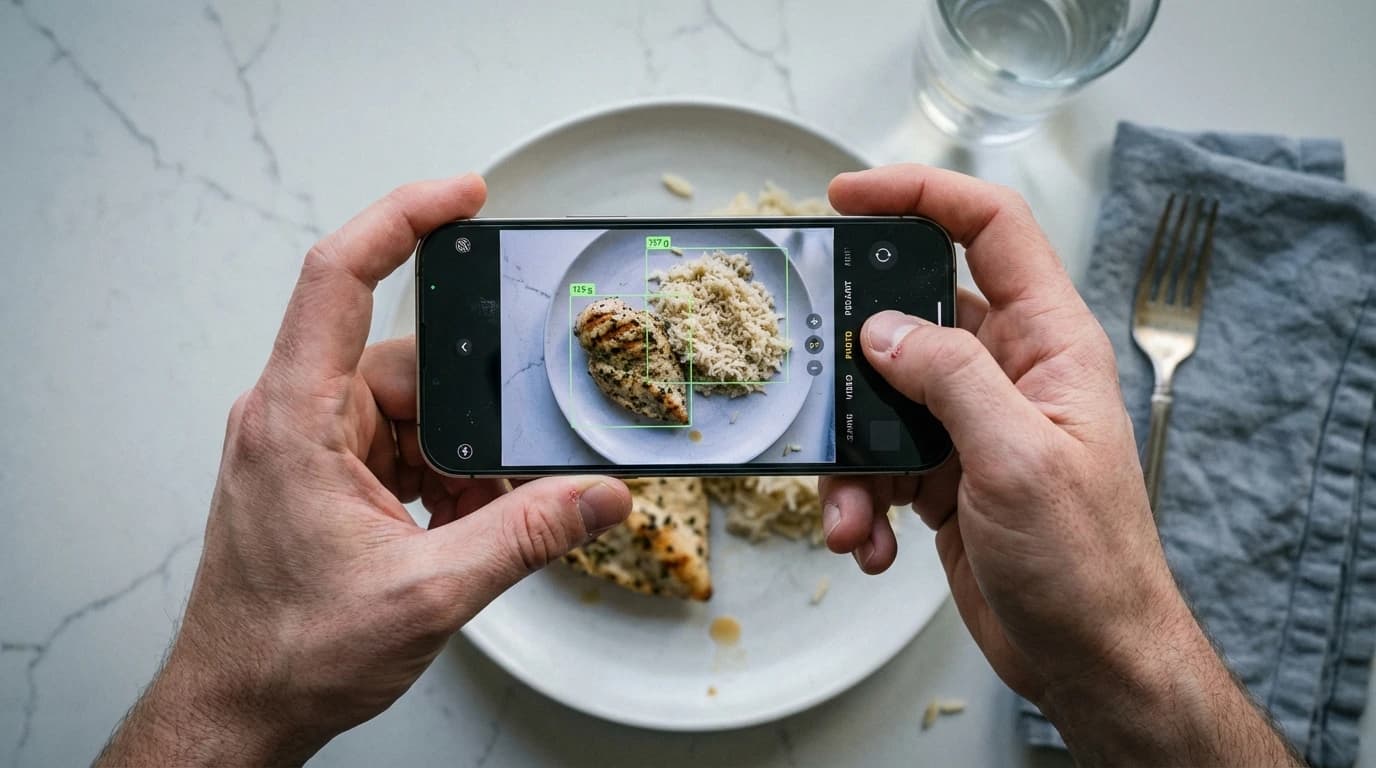
However, you can use your phone to estimate weight visually using modern software. Applications in 2026 use augmented reality (AR) measurement to gauge the dimensions of an object in physical space.
| Measurement Tool | Technology Used | Best Application |
|---|---|---|
| AR Camera Scanning | Computer Vision & LiDAR | Best for dining out because it requires no physical contact, preventing cross-contamination. |
| Visual Portion Reference | Hand-size comparison | Best for casual dietary tracking because it utilizes immediate biological cues, eliminating digital tools. |
| Physical Kitchen Scale | Mechanical Load Cell | Best for exact macronutrient tracking because it measures gravitational mass directly, ensuring less than 1% error. |
According to independent clinical reviews by the American Journal of Clinical Nutrition, AR scanning reduces portion estimation errors by up to 30% compared to naked-eye guessing. Precise gram measurement on a physical scale reduces daily caloric variance to under 5%, whereas mobile visual tools hover around a 15% error rate, according to the National Institute of Diabetes and Digestive and Kidney Diseases. Review What Are The Newest AI Phone Scale Apps For 2026? to see leading applications in visual estimation accuracy, or check out Digital Scale Apps: Can You Use Your Phone As A Food Scale? (2026 Guide).
Are Scale Apps Accurate For Meal Prep?
Scale apps provide moderate accuracy for casual meal prep, but fall short for strict macro tracking or baking where exact gram measurements are essential.
If an app overestimates your chicken portion by 15% across five meals, your weekly caloric intake could be substantially off target. According to the Centers for Disease Control and Prevention, people underestimate their caloric intake by up to 30% relying purely on visual memory.
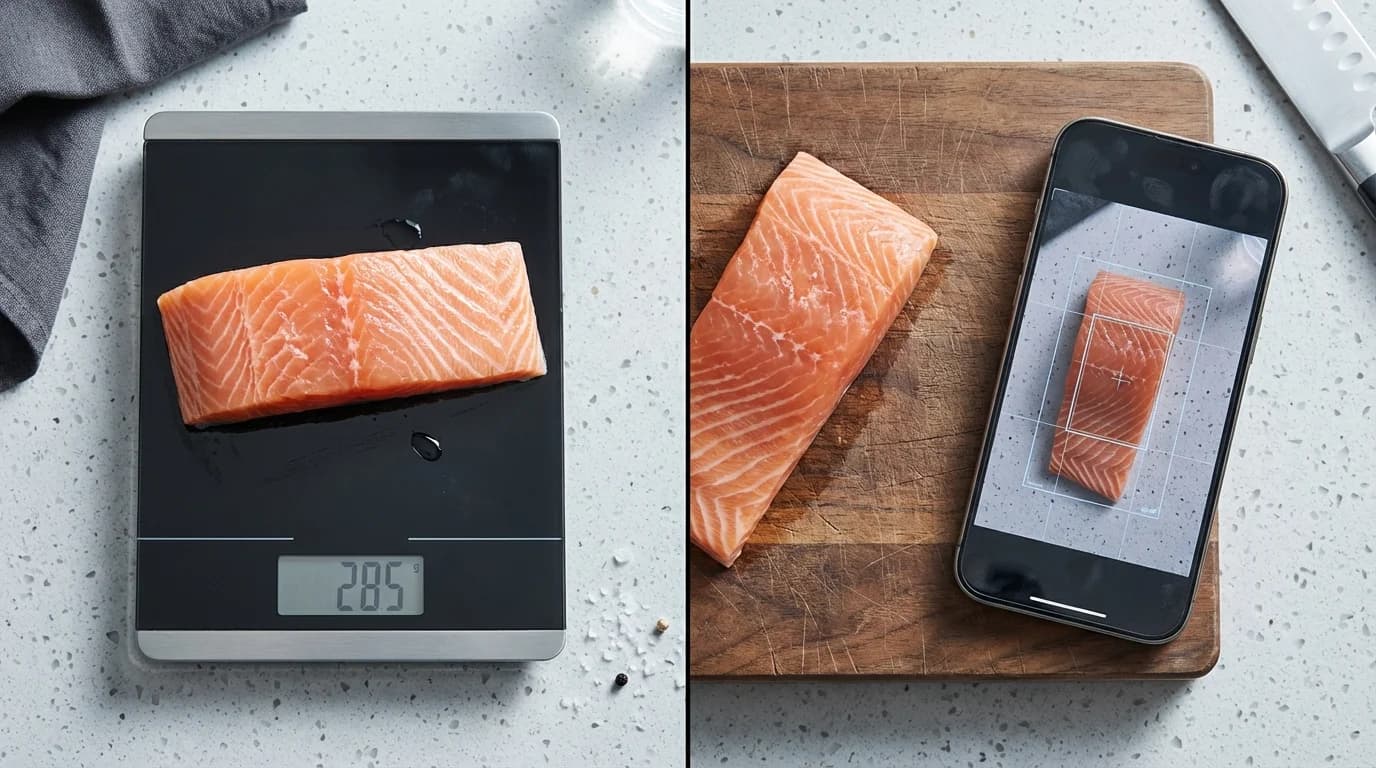
Using your phone as a food scale maintains general portion awareness. If your goal is simply ensuring protein portions exceed carbohydrate portions, visual apps are perfectly adequate. However, casseroles, salads, and stews obscure individual ingredients, making it nearly impossible for software to accurately estimate hidden volumes.
How To Measure Food Portions With Your Phone Camera
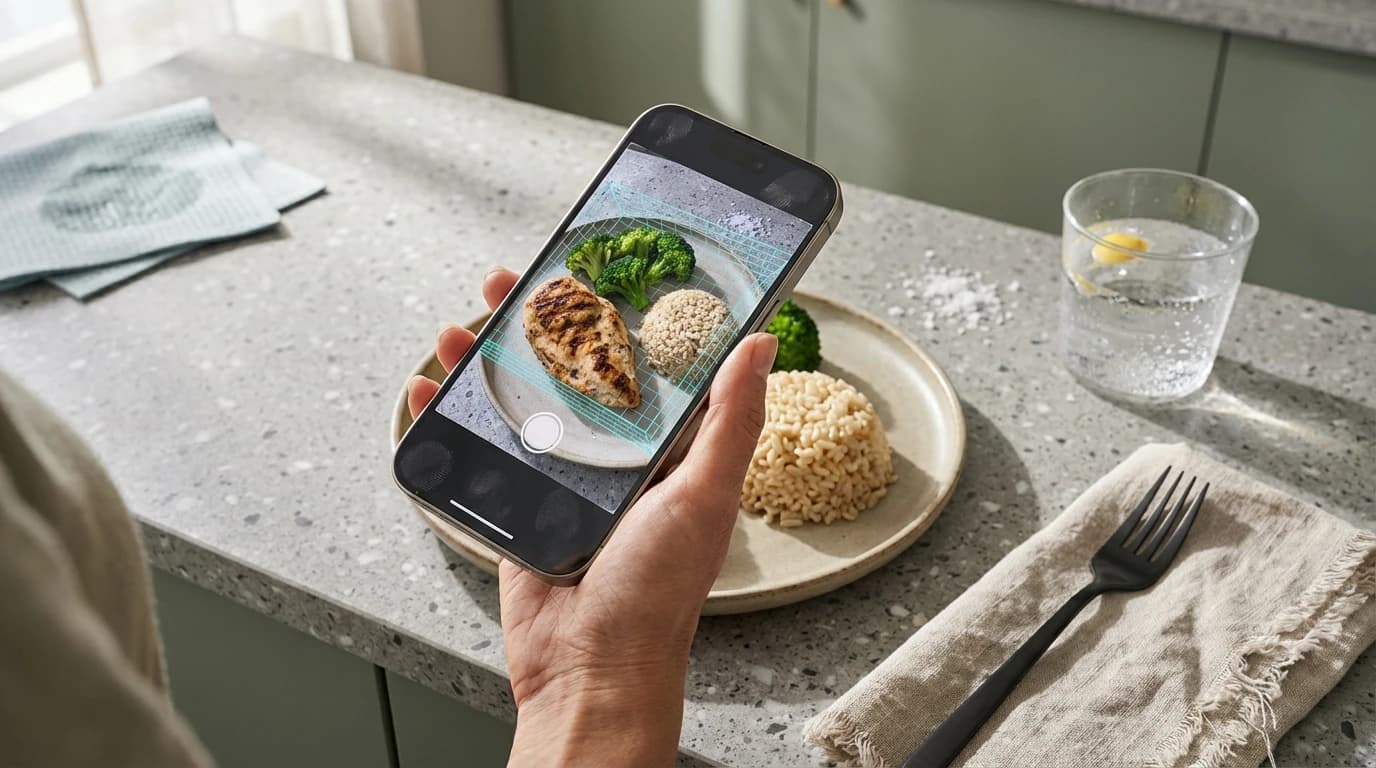
To measure without a physical scale, utilize camera-based estimation apps by placing items on a flat surface in well-lit conditions, including a reference object, and scanning slowly from multiple angles. Environmental setup is the most important factor for maximizing accuracy.
If you need to measure grams without a scale, establish a reliable baseline for physical density. According to Healthline Nutrition, using structured visual references improves portion accuracy by up to 25% for dense proteins compared to blind guessing.
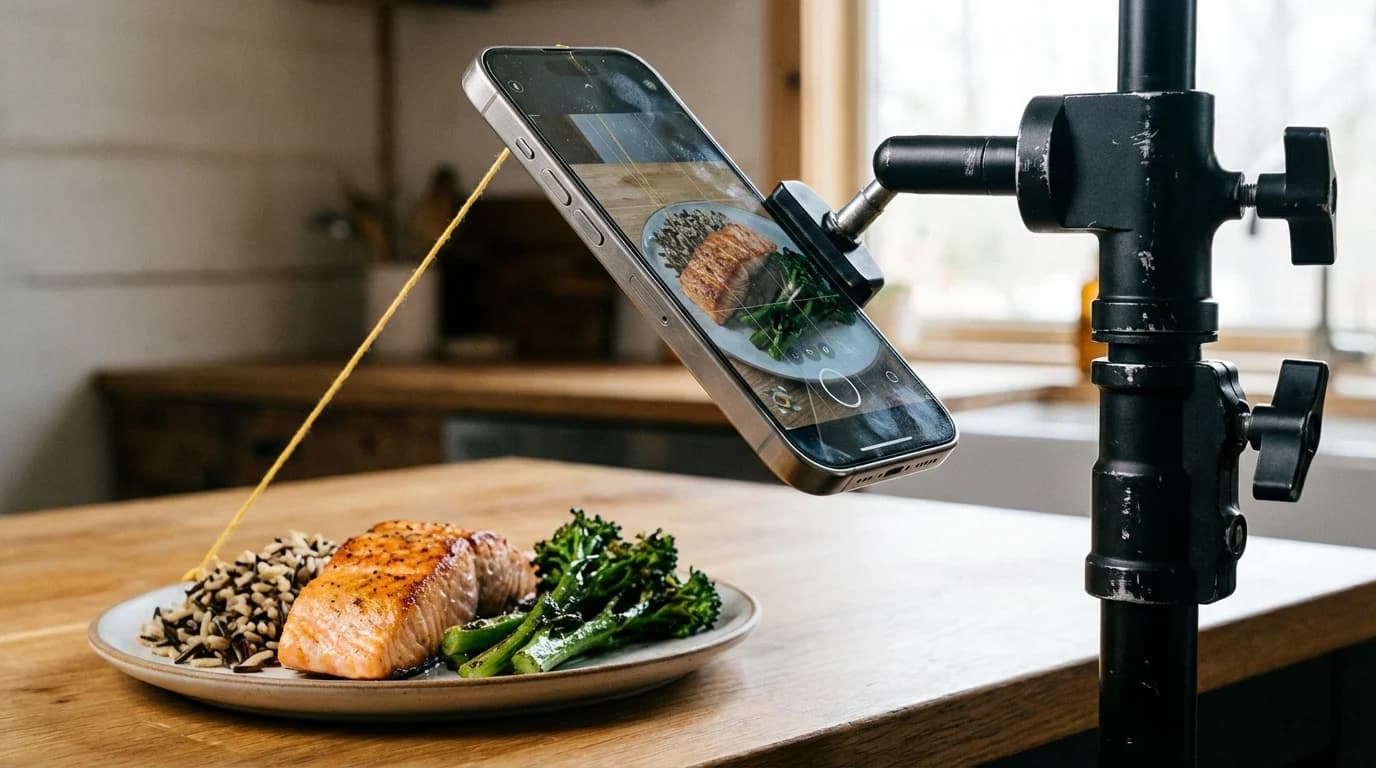
Poor overhead lighting creates harsh shadows, which algorithms may interpret as extra physical volume. According to imaging analysis by the Digital Photography Institute, shooting food at a precise 45-degree angle improves volume detection algorithms by up to 18%. To use a visual estimation app effectively, follow a structured process:
- Ensure bright, natural lighting and a single-layer food arrangement to reduce confusing shadows.
- Place a standard reference object, such as a coin, next to the plate.
- Hold your phone at a 45-degree angle and review the generated 3D mesh for accuracy.
For specific medical diets or absolute macronutrient precision, always rely on a calibrated physical kitchen scale. For more detailed strategies, read our guide on How To Measure Without A Scale For Macros (2026).
Frequently Asked Questions
What is the best AI food scanner app in 2026?
The best application depends heavily on your specific device hardware. Apps leveraging advanced LiDAR sensors on newer smartphone models provide the most accurate volumetric measurements. Look for applications that explicitly state they use augmented reality volume mapping rather than simple 2D image recognition.
How accurately can I weigh food without a scale in grams?
Using advanced camera estimation tools under optimal conditions, you can typically determine the weight of uniformly shaped foods within a 15% to 20% margin of error compared to a true physical scale. However, complex mixed meals, dark liquids, and irregularly shaped items will have a significantly higher error rate due to hidden volumes.
Can I measure food portions with just my phone camera?
Yes, you can measure portions visually using your smartphone camera. The software maps the dimensions of the food on your plate and instantly compares it against extensive caloric density databases to provide an estimated weight and macronutrient breakdown, completely bypassing the need for a physical scale.
Do phone camera weight estimation apps work for all foods?
No, these applications struggle significantly with mixed foods, dense casseroles, and dark liquids where the camera cannot see beneath the surface layer. They perform best on solid, clearly distinct items like whole fruits, single pieces of meat, and visually separated starches.